To take a screenshot on a Chromebook press: ctrl + shift + box with 3 lines on the top row of your keyboard.
As shown below: 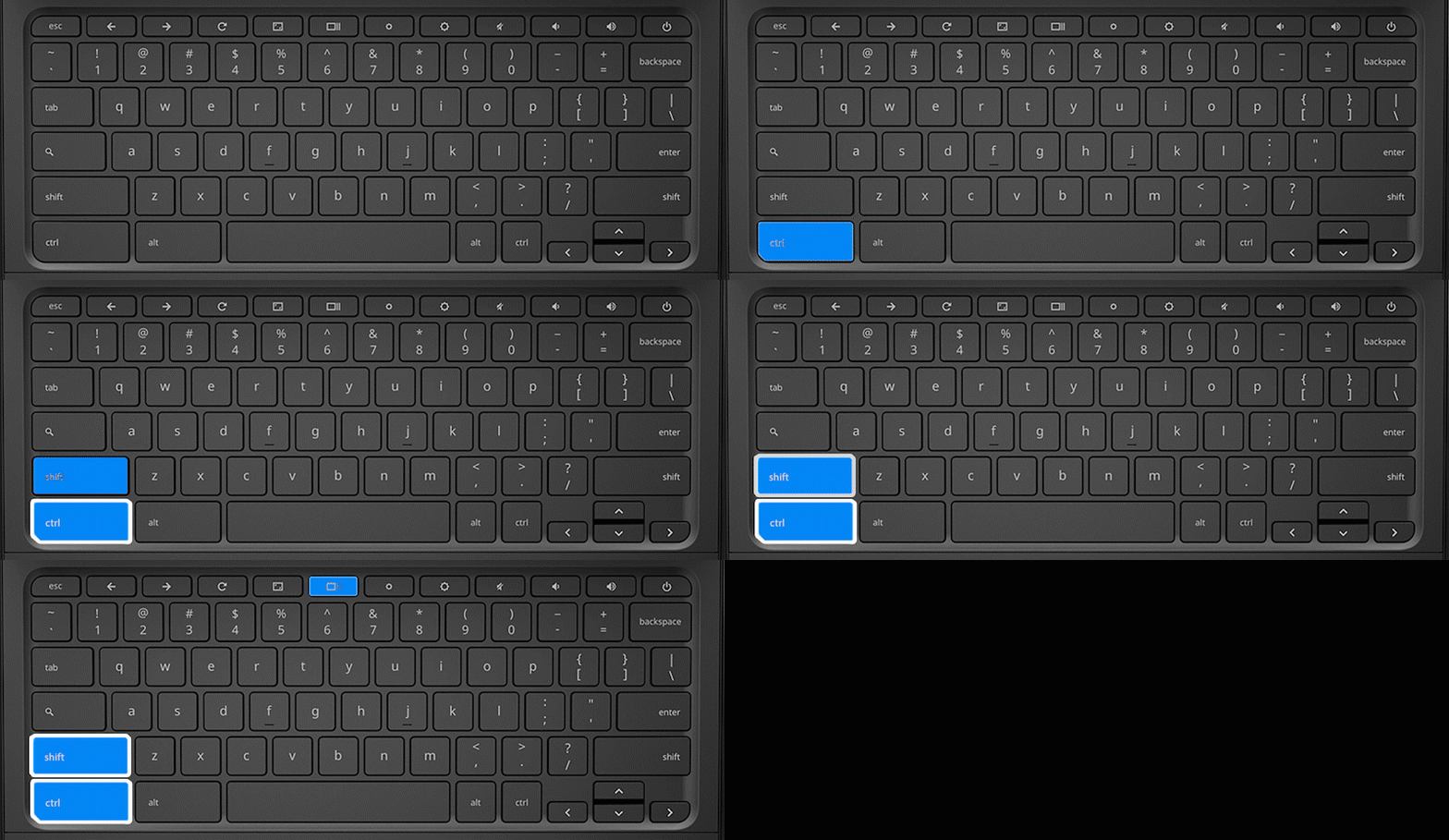
You can also watch this video for a tutorial:
To take a screenshot on a Chromebook press: ctrl + shift + box with 3 lines on the top row of your keyboard.
As shown below:
You can also watch this video for a tutorial: